
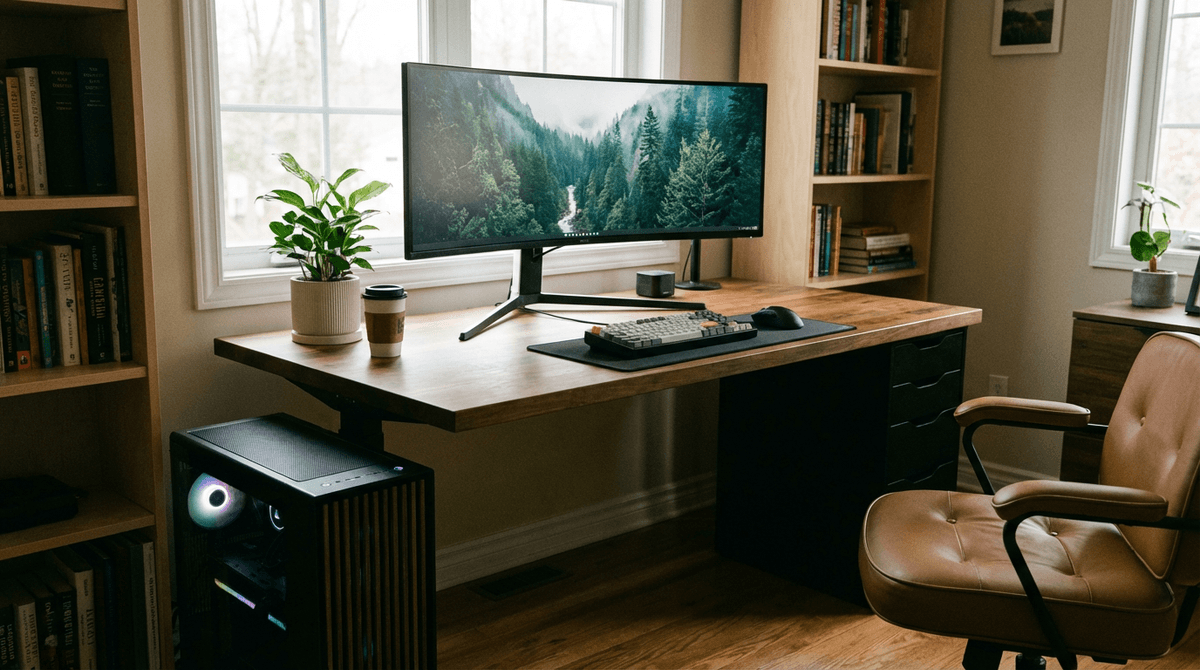
A desktop computer typically uses about 60 to 400 watts depending on the CPU/GPU, monitor setup, and workload (idle vs gaming vs rendering).
For full system planning, use the WattSizing Calculator.
Quick Answer
A desktop computer typically uses about 60 to 400 watts depending on the CPU/GPU, monitor setup, and workload (idle vs gaming vs rendering).
Detailed Explanation
Desktop power draw is not a single fixed number. It changes minute to minute based on:
- Workload: Idle and web browsing can be a fraction of gaming or video rendering.
- GPU type: Discrete GPUs can add 100–400+ watts under load.
- Power supply (PSU) rating: A “750W PSU” is a capacity rating, not what the PC constantly uses. Your wall draw depends on components and efficiency.
- Peripherals: Monitors, speakers, and networking gear can add meaningful watts that people forget to include.
For inverter or battery backup sizing, you generally treat a desktop as a steady electronic load (no big motor startup surge), but the peak during heavy GPU/CPU workloads can be much higher than the “average.”
Watt Table
| Desktop Type / Workload | Typical Running Watts (Tower Only) | Typical Starting Watts |
|---|---|---|
| Small-form-factor office PC (idle/light work) | 40 - 90 W | 40 - 110 W |
| Mainstream desktop (web/office) | 60 - 150 W | 60 - 180 W |
| Content-creation desktop (editing) | 120 - 300 W | 120 - 350 W |
| Gaming desktop (mid-range GPU gaming) | 250 - 450 W | 250 - 500 W |
| High-end gaming / workstation (heavy load) | 350 - 700 W | 350 - 800 W |
Notes:
- “Starting watts” for a PC is usually close to running watts (no compressor/motor surge), but brief spikes can happen during boot or load changes.
- Add monitor(s) separately: many LCD monitors are ~15–60 W each, higher for very large/high-brightness displays.
Calculation Example
Example: A desktop averages 140 W during use and you use it for 5 hours/day.
- Daily energy: kWh/day = (140 x 5) / 1000 = 0.70 kWh/day
- At $0.16/kWh, monthly cost is about $3.36
If you’re building a full home load estimate, start with How to Calculate Daily Energy Use and then check inverter headroom guidance in Inverter Sizing for Off-Grid Solar.
Tips to Reduce Power Usage
- Use your operating system’s sleep/hibernate settings for idle periods.
- Limit GPU power targets (common in gaming GPUs) if you don’t need maximum FPS.
- Prefer efficient components and avoid unnecessary always-on RGB/lighting.
- Consider a laptop for low-load office work if energy use is a priority.
FAQs
Does the PSU watt rating equal my desktop’s watts?
No. The PSU rating is the maximum it can supply. Actual power depends on your components and workload.
Do desktop computers have a big startup surge?
Usually not like motor/compressor appliances. For most sizing, treat startup as close to running watts, with some extra margin for brief spikes.
What should I include besides the tower?
Monitors, speakers, external drives, and networking equipment can add 10–100+ watts depending on your setup.
For comparison with other common electronics, see How Many Watts Does a Television Use and kitchen peak loads like How Many Watts Does a Microwave Use.
CTA
Ready to size your setup accurately? Use the WattSizing Calculator to estimate panel, battery, and inverter requirements from your real appliance loads.


