
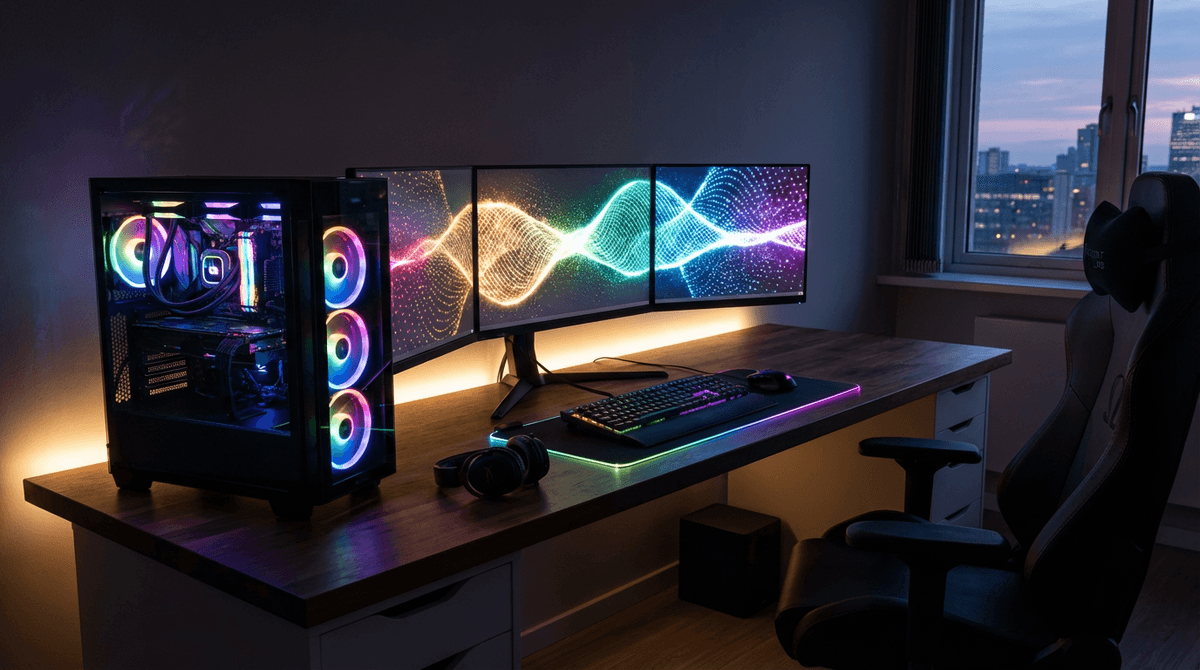
Most gaming PCs use about 60 to 120 watts at idle, 200 to 450 watts while gaming, and can reach 500 to 850+ watts during heavy combined CPU/GPU loads depending on hardware.
For full system planning, use the WattSizing Calculator.
Quick Answer
A typical mid-range gaming desktop often lands around 250 to 400 W during real gameplay. High-end builds can sit closer to 450 to 650 W in demanding titles, especially with high-refresh settings and power-hungry GPUs.
Detailed Explanation
Gaming PC power draw isn’t one number—it swings with workload:
- Idle / light use: Windows desktop, browsing, Discord, music.
- Gaming: Mostly GPU-driven, with spikes depending on scene complexity and frame rate caps.
- Full load: Rendering, compiling, stress tests, or “uncapped” scenarios that hit CPU and GPU together.
Two details that change the story:
- FPS caps matter: Locking a game to 60/120 FPS can reduce GPU load and watts dramatically compared to letting it run uncapped.
- Monitors and accessories aren’t included: Your PC might be 350 W while the display adds another 30–80 W (or more), plus speakers, networking gear, etc.
If you’re comparing everyday household loads, see How Many Watts Does a Television Use and How Many Watts Does a Microwave Use. They behave differently, but the “instant watts vs time used” trade-off is similar when budgeting.
Watt Table
| Gaming PC Type / Scenario | Typical Running Watts | Typical Starting Watts |
|---|---|---|
| Entry-level gaming desktop (light titles) | 180 - 300 W | 200 - 340 W |
| Mid-range gaming desktop (most AAA settings) | 250 - 450 W | 280 - 520 W |
| High-end gaming desktop (high refresh / 4K capable) | 400 - 650 W | 450 - 750 W |
| “Power limit raised” / overclocked high-end | 550 - 850 W | 600 - 950 W |
| Idle / desktop use (any tier) | 60 - 120 W | 70 - 140 W |
Calculation Example
Example: Your PC averages 320 W during gaming sessions.
- If you play for 3 hours, energy is (320 × 3) / 1000 = 0.96 kWh
- At $0.16/kWh, that session costs about $0.15
If you also run a TV or monitor while playing, compare with How Many Watts Does a Television Use and consider adding that draw to your total.
Tips to Reduce Power Usage
- Cap frame rate (or enable V-Sync) so your GPU isn’t chasing unnecessary FPS in menus and easy scenes.
- Use the GPU driver’s eco/quiet mode or a modest power limit reduction—often the best watts-to-performance trade.
- Keep dust under control; cooler hardware can hold performance without cranking power as aggressively.
- For inverter/backup sizing, plan for gaming watts, not idle watts—and leave margin for peripherals.
FAQs
Is PSU wattage the same as what the PC uses?
No. A “750 W PSU” is capacity, not constant draw. Your PC only pulls what it needs for the workload.
Do gaming PCs have a huge startup surge?
Usually not like motor appliances. There can be a brief bump at power-on, but it’s generally close to typical draw for the moment.
Why do watt readings jump around during gameplay?
Scenes change, frame rates change, and modern CPUs/GPUs boost dynamically. Short spikes are normal.
CTA
Want to estimate your real-world requirements? Use the WattSizing Calculator to total your PC, monitor/TV, networking gear, and other everyday loads in one place.


