
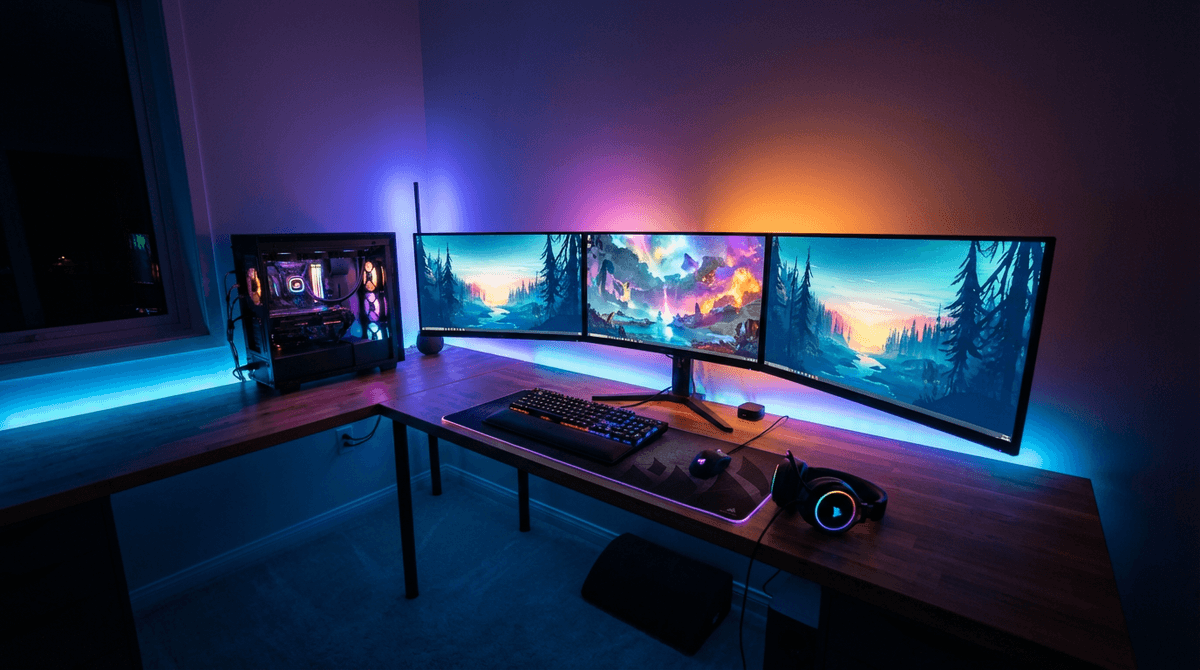
Many gaming desktops land around 1.0 to 3.5 kWh/day depending on how many hours they’re gaming versus idling, plus the performance tier of the GPU/CPU.
For full system planning, use the WattSizing Calculator.
Quick Answer
If your gaming PC averages 320 W while gaming for 3 hours/day and sits at 80 W for 6 hours/day (the rest is off), daily energy is:
- Gaming: ((320 × 3) / 1000 = 0.96 kWh/day)
- Idle/light use: ((80 × 6) / 1000 = 0.48 kWh/day)
- Total ≈ 1.44 kWh/day
At $0.16/kWh, that’s about $0.23/day or $6.91/month.
Detailed Explanation
Daily kWh comes from time-weighted averages. A gaming PC might be “only” 80 W when you’re chatting and browsing, but the same system can jump to 300–600 W once the GPU is working. If you leave the PC on all day, idle hours can matter as much as gaming hours.
Also, remember what’s connected:
- A monitor or TV can add 30–200 W depending on size and tech.
- A console used as a streamer (if you switch between PC and console) can change your daily total.
For related comparisons, see How Many Watts Does a Television Use Per Day and How Many Watts Does a Refrigerator Use Per Day. One is “when you use it,” the other is “always cycling.”
Watt Table
| Gaming PC Pattern | Typical Running Watts | Typical Starting Watts | Typical Daily Energy |
|---|---|---|---|
| Mostly idle/light use (2–4 hrs on, little gaming) | 60 - 120 W | 70 - 140 W | 0.15 - 0.60 kWh/day |
| Casual gaming (1–2 hrs gaming + some browsing) | 180 - 350 W | 200 - 420 W | 0.70 - 1.80 kWh/day |
| Regular gaming (2–4 hrs gaming + 4–8 hrs idle) | 250 - 500 W | 280 - 600 W | 1.20 - 3.20 kWh/day |
| Heavy daily gaming (4–6 hrs gaming + long on-time) | 350 - 650 W | 400 - 750 W | 2.50 - 5.00 kWh/day |
| High-end + uncapped / creator workloads mixed in | 450 - 850 W | 500 - 950 W | 3.50 - 7.00 kWh/day |
Calculation Example
Example: Mid-range gaming PC with a realistic day:
- Gaming: 3.5 hours/day at 360 W
- Idle/light use: 5 hours/day at 75 W
- Off/sleep: rest of day (treated as ~0 for simplicity)
Compute kWh/day:
- Gaming: ((360 × 3.5) / 1000 = 1.26 kWh/day)
- Idle: ((75 × 5) / 1000 = 0.38 kWh/day)
- Total = 1.64 kWh/day
Cost at $0.16/kWh:
- Daily cost: (1.64 × 0.16 = $0.26/day)
- Monthly cost (30 days): about $7.87
If you play on a TV instead of a monitor, add the TV’s kWh/day using How Many Watts Does a Television Use Per Day.
Tips to Reduce Power Usage
- Set an FPS cap; uncapped FPS is one of the fastest ways to burn extra watts for minimal benefit.
- Use sleep mode or automatic shutdown after inactivity so idle hours don’t quietly inflate kWh/day.
- Drop GPU power limit slightly—many cards keep most performance while cutting noticeable power.
- If you’re sizing solar/battery, build your “typical day” profile (gaming vs idle hours) instead of using a single watt number.
FAQs
Is it normal for my PC to use more watts in some games than others?
Yes. GPU load and frame rate targets vary a lot by game, resolution, and settings.
Does RGB lighting significantly increase kWh/day?
Usually it’s minor compared to the GPU and CPU, but it can add a few watts that run the entire time the PC is on.
Should I base estimates on max PSU rating?
No—use realistic measured or typical gaming watts for kWh/day, and keep max capacity for sizing headroom and spikes.
CTA
Want a more accurate daily number (including your monitor/TV and accessories)? Use the WattSizing Calculator to build a full kWh/day estimate from your real usage.


