
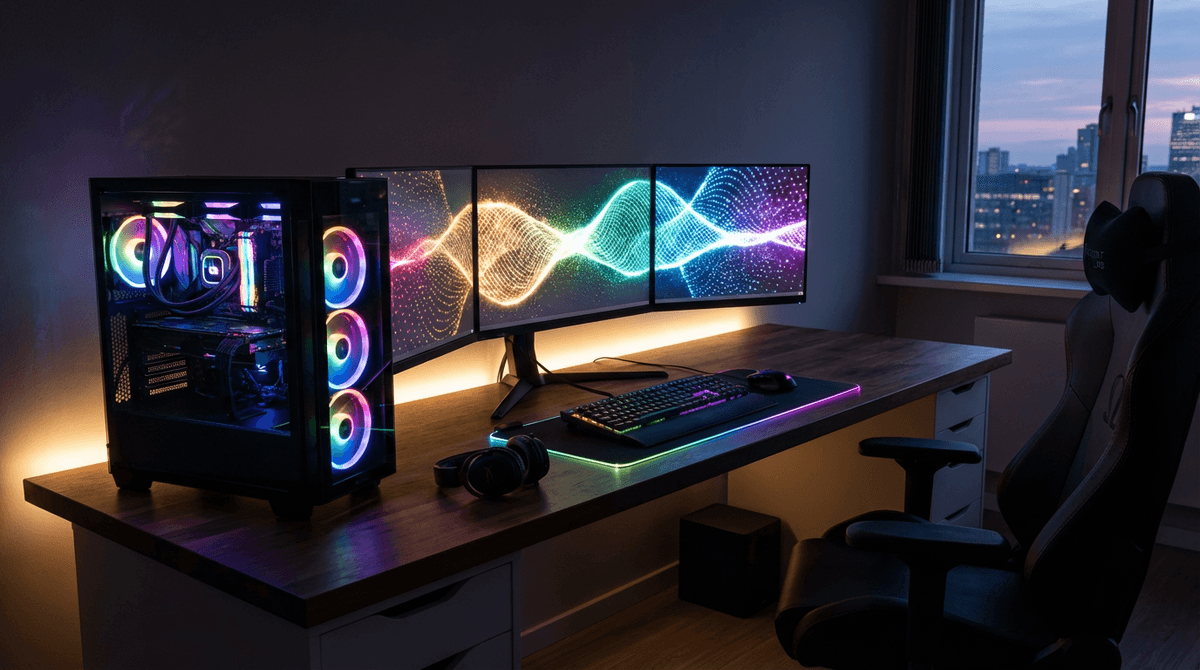
Most gaming PCs use about 60 to 120 watts at idle, 200 to 450 watts while gaming, and can reach 500 to 850+ watts during heavy combined CPU/GPU loads depending on hardware.
For full system planning, use the WattSizing Calculator.
1) Load shape and what changes draw
Gaming PC power draw isn’t one number—it swings with workload:
- Idle / light use: Windows desktop, browsing, Discord, music.
- Gaming: Mostly GPU-driven, with spikes depending on scene complexity and frame rate caps.
- Full load: Rendering, compiling, stress tests, or “uncapped” scenarios that hit CPU and GPU together.
Two details that change the story:
- FPS caps matter: Locking a game to 60/120 FPS can reduce GPU load and watts dramatically compared to letting it run uncapped.
- Monitors and accessories aren’t included: Your PC might be 350 W while the display adds another 30–80 W (or more), plus speakers, networking gear, etc.
If you’re comparing everyday household loads, see How Many Watts Does a Television Use and How Many Watts Does a Microwave Use. They behave differently, but the “instant watts vs time used” trade-off is similar when budgeting.
2) Typical watt ranges (label first)
| Gaming PC Type / Scenario | Typical Running Watts | Typical Starting Watts |
|---|---|---|
| Entry-level gaming desktop (light titles) | 180 - 300 W | 200 - 340 W |
| Mid-range gaming desktop (most AAA settings) | 250 - 450 W | 280 - 520 W |
| High-end gaming desktop (high refresh / 4K capable) | 400 - 650 W | 450 - 750 W |
| “Power limit raised” / overclocked high-end | 550 - 850 W | 600 - 950 W |
| Idle / desktop use (any tier) | 60 - 120 W | 70 - 140 W |
3) Session or daily kWh example
Example: Your PC averages 320 W during gaming sessions.
- If you play for 3 hours, energy is (320 × 3) / 1000 = 0.96 kWh
- At $0.16/kWh, that session costs about $0.15
If you also run a TV or monitor while playing, compare with How Many Watts Does a Television Use and consider adding that draw to your total.
Generator and Off-Grid Sizing for Gaming PCs
If you're running a gaming PC on a generator or off-grid solar setup, the power draw behaves differently than simple household appliances.
- Mid-range single PC + one monitor: 1,500–2,200 W inverter generators often suffice with margin.
- High-end GPU + two monitors + streaming gear: 2,200–3,200 W is common.
- Dual-PC or heavy creator setups: 3,000–5,500 W depending on simultaneous peaks.
Why you should not use PSU labels for sizing
A 750 W PSU means capacity, not constant draw. Generators fail when people assume 750 W at the wall. Your PC only pulls what it needs for the workload.
Illustrative gaming backup (hypothetical)
-
Gaming desktop under load: 720 W
-
Two monitors: 95 W
-
Router + modem: 35 W
-
Audio interface + speakers + bias lighting: 150 W
-
Running total:
720 + 95 + 35 + 150 = 1,000 W -
Add 20% margin on the running stack:
1,000 × 1.2 = 1,200 W -
Add spike allowance for transient GPU/CPU bursts—plan ~2,000 W class as an illustrative floor, not 1,200 W redline operation.
Illustrative pick: 2,000–2,500 W inverter generator for long sessions with stable headroom.
Off-Grid Solar Considerations
Off-grid planning is less about peak comfort and more about keeping steady loads efficient. A gaming rig can burn through a day’s solar budget in hours.
- Battery Wh tracks energy over time, but the inverter must survive peak W, including GPU spikes, without faulting. Average gaming draw alone can undersize the inverter.
- Monitors add many hours of steady load that is easy to forget next to a big GPU nameplate. Fold every display into daily Wh before you lock panel and battery size.
- Match inverter output W (and surge) for supplying the PC and monitors from battery. A UPS does not replace main inverter sizing for whole-home or off-grid power—it is a short bridge, not the prime mover.
RV, apartment, and “watts per day” (old long‑tail topics in one place)
Searches that used to land on separate pages now point here. The wall watts to the PC do not magically change in summer vs winter or at night; what changes is room comfort, what else shares the circuit, and your kWh per day math.
- Gaming in an RV or camper — The PC still follows the same table above. The limit is the 30 A / 50 A service, inverter size on battery, and whether you are on shore power or a generator. Count monitors, router, and chargers; avoid assuming “only the tower.”
- Gaming in an apartment (single 15 A @ 120 V circuit ~1,800 W practical) — You can trip a breaker if the PC, monitors, and a space heater or kettle stack at once. The PC did not change—concurrent loads did. Compare How Many Watts Does a Space Heater Use before stacking.
- Tiny / off-grid homes — You care about kWh from gaming hours and inverter W for GPU spikes. kWh/day ≈ (average gaming watts + monitor/gear) × hours ÷ 1,000; add a margin before you size solar or battery.
- Backup power and outages — Covered above in generator and off-grid; treat preheat-style long GPU load as a sustained high-W window, not idle.
- “Summer vs winter” or “rainy season” — The room may need less or more HVAC; that is a different appliance on the same bill. Your watt meter at the wall for the PC is still the right input for the PC row of your model.
- “Peak hours” on your electric bill — That is usually time‑of‑use ($/kWh), not a higher instant watt on the PC. You pay more per kWh; you do not automatically draw more W at 5 p.m. unless the machine works harder (thermals, fan curves).
4) Practical ways to reduce energy impact
- Cap frame rate (or enable V-Sync) so your GPU isn’t chasing unnecessary FPS in menus and easy scenes.
- Use the GPU driver’s eco/quiet mode or a modest power limit reduction—often the best watts-to-performance trade.
- Keep dust under control; cooler hardware can hold performance without cranking power as aggressively.
- For inverter/backup sizing, plan for gaming watts, not idle watts—and leave margin for peripherals.
5) Backup sizing context
Use Generator running watts vs starting watts to model overlap with other home loads, not this row in isolation. For small systems, validate Inverter sizing for off-grid solar and waveform trade-offs in Pure sine vs modified sine.
FAQs
Is PSU wattage the same as what the PC uses?
No. A “750 W PSU” is capacity, not constant draw. Your PC only pulls what it needs for the workload.
Do gaming PCs have a huge startup surge?
Usually not like motor appliances. There can be a brief bump at power-on, but it’s generally close to typical draw for the moment.
Why do watt readings jump around during gameplay?
Scenes change, frame rates change, and modern CPUs/GPUs boost dynamically. Short spikes are normal.
Can a 2,000 W generator run a gaming PC?
Often yes for single-PC setups with moderate monitor counts. A 2,000–2,500 W inverter generator is an illustrative pick for long sessions with stable headroom.
Should I measure wall draw with a meter?
Best if you can—gaming spikes are real; a meter removes guesswork.
Is inverter output important?
Yes—voltage stability helps PSUs, UPS, and motherboard VRMs compared to noisy open-frame units.
Can I run gaming PC + portable AC on one generator?
Sometimes, but AC adds large compressor behavior. Total starting + gaming honestly.
How many kWh per day does a gaming PC use?
Multiply (average watts for how you use it + monitors/gear) × hours, then ÷ 1,000. Example: 320 W for 4 h with a 50 W display → (320 + 50) × 4 ÷ 1,000 = 1.48 kWh for that session.
Does a gaming PC use more watts in summer or in winter?
Usually about the same if settings are unchanged. Room temperature and cooling can change fan speeds and boost behavior slightly, but the big “seasonal” line item on a bill is often HVAC, not a few watts in the case.
Can I run a full gaming setup in an RV on solar?
Sometimes, if the inverter can handle GPU + display peak W and the battery can store enough kWh for the hours you play. Measure or estimate from the tables above, then add margin.
Sources
- U.S. Energy Information Administration (EIA) - Electricity explained
- U.S. Department of Energy - Energy Saver
- ENERGY STAR - Save Energy at Home
CTA
Want to estimate your real-world requirements? Use the WattSizing Calculator to total your PC, monitor/TV, networking gear, and other everyday loads in one place.


