
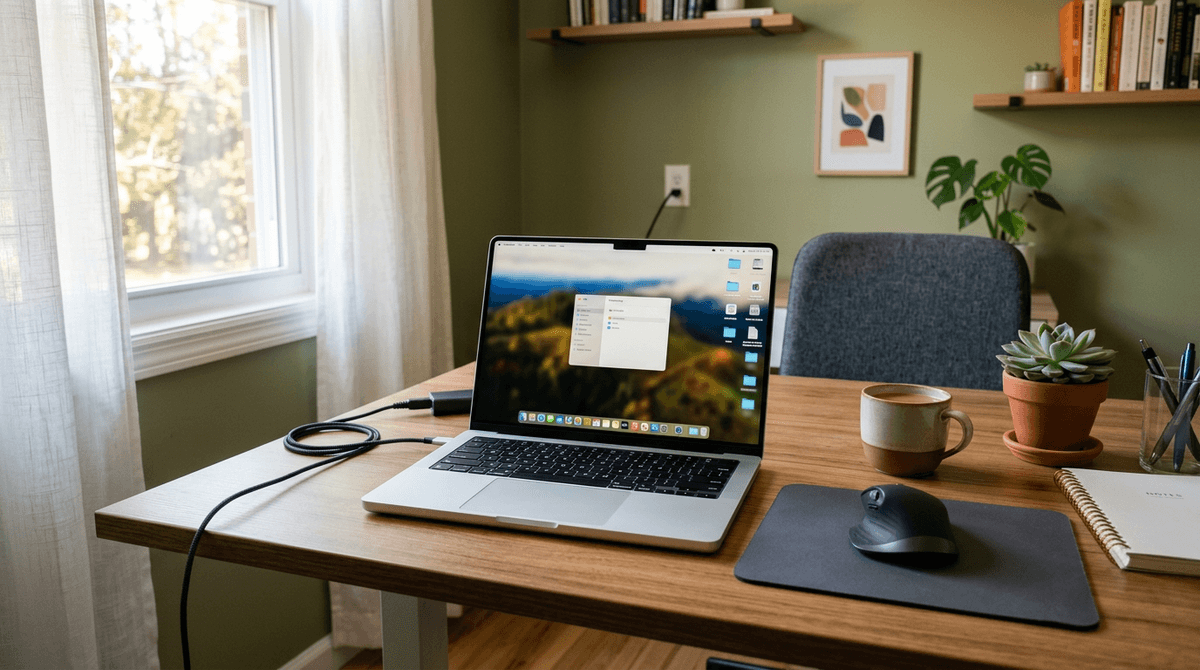
If you are planning an off-grid lifestyle or preparing to work remotely during a multi-day power outage, your computer is your lifeline.
Historically, people relied on Desktop Computers, which can easily draw between 100W and 500W of continuous power. However, modern Laptops have completely revolutionized off-grid computing. Because laptops are designed from the ground up to run on internal batteries, their internal processors and screens are aggressively optimized for energy efficiency.
By simply switching from a desktop to a laptop, you can slash your daily computing energy footprint by up to 80%, allowing you to build a significantly smaller and cheaper solar system.
In this comprehensive guide, we will break down exactly how many watts different types of laptops use, explain the massive difference between an office laptop and a gaming laptop, and show you how to size a portable power station for remote work.
To model your specific laptop alongside your other household loads, use our free WattSizing Off-Grid Calculator.
The Quick Answer: Laptop Power Draw
The power consumption of a laptop is not static. It depends entirely on two factors: the physical size of its charging brick, and how hard the internal processor is working.
- Ultra-Thin / Office Laptops (e.g., MacBook Air, Dell XPS 13): When doing basic web browsing or typing, these hyper-efficient machines use just 15 to 30 running watts.
- Performance Laptops (e.g., MacBook Pro 16", Dell XPS 15): When rendering video or running heavy software, these pull between 50 and 100 running watts.
- Heavy Gaming Laptops (e.g., Alienware, Razer Blade): Because these contain massive dedicated graphics cards, they can draw an astonishing 150 to 300+ running watts while playing 3D games.
The Charging Brick Rule
The easiest way to find your laptop's absolute maximum power draw is to look at the AC adapter (charging brick). If the brick says "65W," your laptop cannot physically draw more than 65 watts from the wall, even when the battery is completely dead and the processor is at 100% load.
(Note: Because laptops use small electronic power supplies, they do not have a startup surge. You do not need to calculate surge multipliers for generator sizing).
Deep Dive: The M-Series MacBook Revolution
If you are a vanlifer or living completely off-grid on a tight solar budget, there is currently one undisputed king of energy efficiency: the Apple Silicon (M-Series) MacBook.
Prior to 2020, almost all laptops used Intel or AMD processors. While powerful, they generated a massive amount of heat and wasted significant electricity.
When Apple transitioned to their proprietary M1/M2/M3 chips (which use "ARM" architecture—similar to a smartphone), they achieved a massive leap in efficiency. A modern MacBook Air can easily edit 4K video while drawing less than 20 watts of power and generating zero fan noise. If extreme battery conservation is your goal, upgrading to an ARM-based laptop is the single smartest investment you can make.
Running a Laptop on a Portable Power Station
If a severe storm knocks out your power, you can use a lithium Portable Power Station (like an EcoFlow, Bluetti, or Jackery) to keep your laptop charged and your remote work uninterrupted for days.
Because laptops use so little power, you do not need a loud, expensive gasoline generator.
Calculating Required Battery Capacity (Wh):
Formula: (Average Running Watts × Hours Run) ÷ 0.85 (Inverter Inefficiency) = Required Battery Capacity in Wh
Let's assume the grid goes down, and you need to work an 8-hour shift on a standard 40W Dell office laptop.
40W × 8 Hours = 320 Wh.
Accounting for the inefficiency of the power station's AC inverter, you need roughly 375 Wh of battery capacity.
Sizing the Power Station
A mid-sized, $300 power station (which typically holds 500 Wh of energy) will effortlessly run your laptop for the entire 8-hour workday, with enough juice left over to keep your Wi-Fi router on and charge your cell phones.
If you own a heavy 200W Gaming Laptop, that same 8-hour shift would require 1,880 Wh of battery capacity, forcing you to buy a massive, $1,500+ power station (like an EcoFlow Delta Max).
The Ultimate Hack: USB-C PD (Power Delivery)
If you are running your laptop on an off-grid solar system or a portable power station, you are likely wasting 15% to 20% of your electricity on unnecessary conversions.
The Inefficient Way (Using the Wall Plug):
- Your solar battery (12V DC) is converted by an inverter to 120V AC wall power (Losing 10% to heat).
- You plug your laptop's charging brick into the inverter.
- The charging brick converts the 120V AC back to 20V DC for the laptop (Losing another 10% to heat).
The Efficient Way (USB-C PD): Almost all modern laptops support charging via USB-C PD (Power Delivery). Instead of using the bulky AC charging brick, plug a high-quality USB-C cable directly from the 12V DC port on your power station (or an installed 12V USB-C outlet in your RV) straight into the laptop.
By staying entirely within Direct Current (DC), you completely bypass the AC inverter, saving up to 20% of your total electrical energy.
What Size Generator Do I Need for a Laptop?
If you are running a gasoline portable generator to power your house during a winter blackout, the laptop is basically a rounding error. It uses so little electricity that it will not meaningfully impact your generator sizing.
- Recommendation: A standard 2,000W Inverter Generator can easily power your kitchen refrigerator (which surges to 1,200W), your Starlink internet dish, some LED lights, and 4 or 5 laptops simultaneously without bogging down.
The Pure Sine Wave Warning (CRITICAL): Never plug a laptop (or its charging brick) directly into a cheap, open-frame construction generator. Those generators produce "dirty" power with high voltage fluctuations that can permanently destroy the laptop's charging circuitry. You must always use an Inverter Generator (which produces perfectly clean Pure Sine Wave power) for sensitive electronics.
Frequently Asked Questions
Does leaving my laptop plugged in 24/7 ruin the battery?
Historically, yes. However, modern laptops from Apple, Dell, and Lenovo use smart battery management systems. If you leave it plugged in constantly, the software will actually stop charging the battery at roughly 80% to preserve the chemical lifespan of the lithium-ion cells.
Why does my gaming laptop battery die so fast?
Gaming laptops contain massive, high-powered graphics cards (like an Nvidia RTX 4080) that demand upwards of 150 watts to render 3D graphics. Because FAA regulations limit the physical size of a laptop battery you can bring on an airplane to 100 Watt-Hours (Wh), a gaming laptop running at full load will completely drain the maximum legally allowed battery in less than 45 minutes.
Can I run a desktop monitor off my laptop?
Yes. A standard 24-inch LED monitor uses roughly 20 to 30 watts. If you are running an off-grid workstation, powering a 30W laptop and a 30W external monitor is still vastly more efficient than running a 150W Desktop PC.
Conclusion
The laptop is the undisputed champion of off-grid computing. By utilizing ultra-efficient processors and built-in batteries, they allow you to work remotely during severe blackouts with only a tiny portable power station. If you maximize your efficiency by utilizing USB-C PD charging and switching to ARM-based processors, you can stay connected indefinitely on a minimal solar budget.
Want to accurately size a battery bank or generator for your home office? Use our free Off-Grid & Backup Load Calculator to enter your exact laptop wattage, add your internet router and lights, and get a precise runtime recommendation instantly.


