
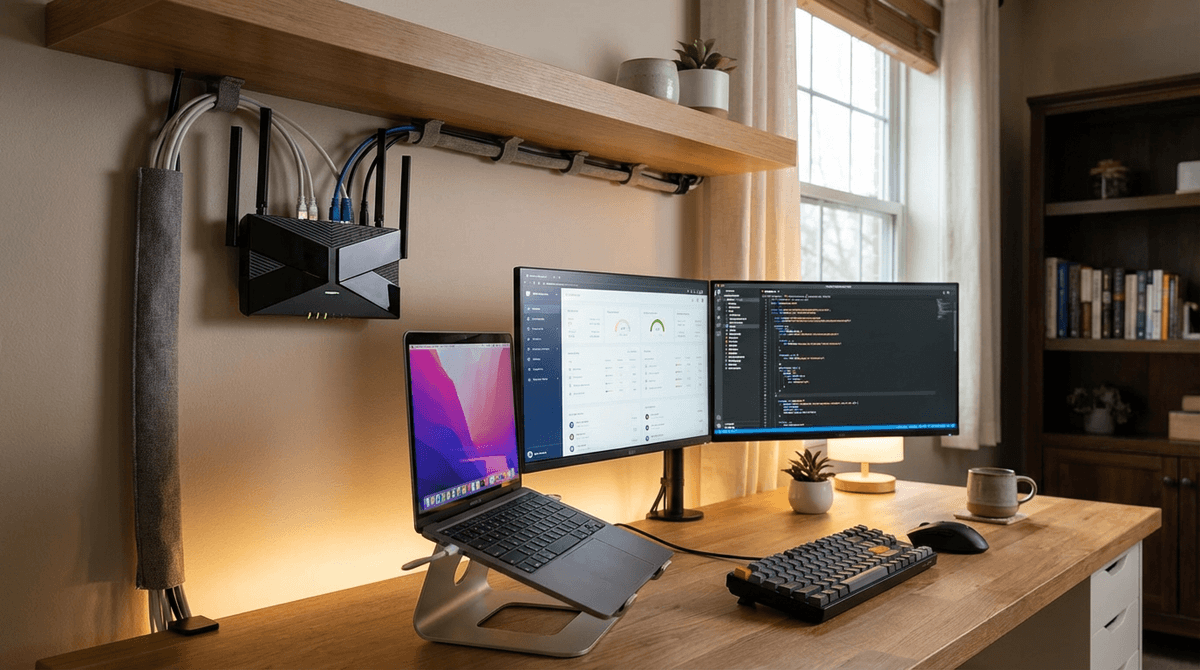
Most home routers use roughly 0.12 to 0.48 kWh/day, while router + modem + mesh setups often land around 0.36 to 1.20 kWh/day because they run 24/7.
For full system planning, use the WattSizing Calculator.
Quick Answer
If a router averages 10 W and stays on all day:
- kWh/day = (10 x 24) / 1000 = 0.24 kWh/day
At $0.16/kWh, that is about $0.04/day or $1.15/month (30 days).
Detailed Explanation
Routers are not high-watt devices, but they are continuous loads. That means the daily number is mostly controlled by one thing: 24-hour runtime.
Daily networking energy usually includes:
- Router power draw itself
- Modem power draw (if separate)
- Mesh node draw (each extra node adds to the 24/7 baseline)
- Any small switches or PoE injectors
For most homes, this network stack is part of the "always-on" baseline along with standby devices. If you are comparing with other always-on or long-hour loads, see How Many Watts Does a Refrigerator Use Per Day and How Many Watts Does a Desktop Computer Use Per Day.
Watt Table
| Networking Setup | Typical Running Watts | Typical Starting Watts | Typical Daily Energy |
|---|---|---|---|
| Basic dual-band router only | 5 - 12 W | 6 - 15 W | 0.12 - 0.29 kWh/day |
| High-performance router (tri-band / Wi-Fi 6E/7) | 10 - 20 W | 12 - 25 W | 0.24 - 0.48 kWh/day |
| Router + modem | 12 - 30 W | 14 - 38 W | 0.29 - 0.72 kWh/day |
| Router + modem + 1 mesh node | 18 - 45 W | 21 - 55 W | 0.43 - 1.08 kWh/day |
| Router + modem + 2 mesh nodes | 25 - 60 W | 30 - 75 W | 0.60 - 1.44 kWh/day |
Calculation Example
Example setup:
- Router: 11 W
- Modem: 9 W
- One mesh node: 8 W
Total average watts:
- 11 + 9 + 8 = 28 W
Daily energy:
- kWh/day = (28 x 24) / 1000 = 0.672 kWh/day
Cost at $0.16/kWh:
- Daily cost: (0.672 x 0.16 = $0.11/day)
- Monthly cost (30 days): about $3.23
If you are planning backup power, compare this with intermittent higher loads like How Many Watts Does a Microwave Use Per Day and How Many Watts Does an Electric Kettle Use Per Day.
Tips to Reduce Power Usage
- Use only the number of mesh nodes your home actually needs.
- Turn off unused router features (extra radios, USB sharing, optional services).
- Choose efficient networking hardware if you are sizing for battery or solar backup.
- Group networking gear on a smart plug only if overnight internet-off schedules are acceptable for your home.
FAQs
Why does a small router still add up on my bill?
Because it runs nonstop. Even low watts can add up when multiplied by 24 hours every day.
Should I include modem power in router kWh/day?
Yes. In real-world home use, internet service usually needs both router and modem active.
Is startup wattage important for routers?
Usually not much. Router startup draw is generally close to its running draw.
CTA
Want to see your true always-on energy use? Use the WattSizing Calculator to combine router, modem, mesh, and standby loads into one daily kWh estimate.


