
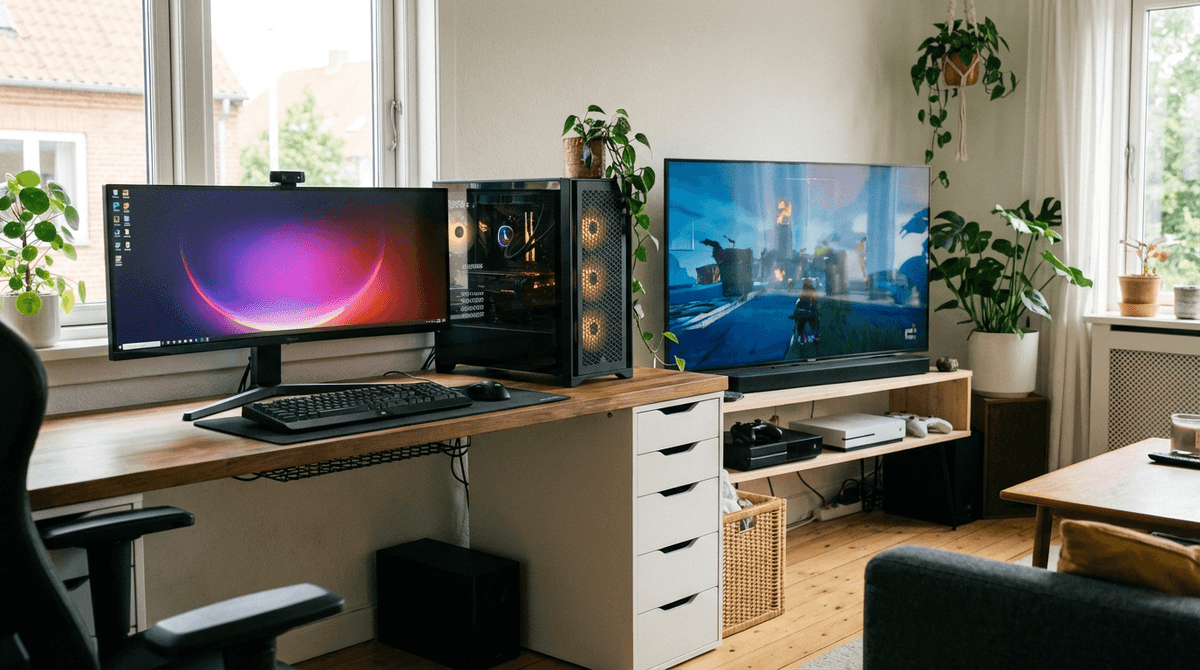
Gaming desktops typically use more electricity than consoles during gameplay, especially when paired with high-performance GPUs and high-refresh monitors.
For your exact hardware profile and gaming hours, use the WattSizing Calculator.
Quick Comparison
| Topic | Desktop Gaming PC | Console |
|---|---|---|
| Typical gameplay power draw | 250 - 600+ W (tower only) | 90 - 220 W |
| Typical full setup draw | 300 - 700+ W (with monitor/peripherals) | 130 - 300 W (with TV/display share) |
| Performance tuning flexibility | High | Low to moderate |
| Idle/background draw tendency | Often higher | Usually lower |
| Best fit | Maximum performance/customization | Simpler, lower-power gaming |
Comparison Table: Gameplay Sessions
Assume electricity rate of $0.18/kWh.
| Use Case | Gaming PC Example | Console Example | Cost Comparison |
|---|---|---|---|
| Casual gaming (2 h/day) | 0.40 kW x 2 = 0.80 kWh | 0.17 kW x 2 = 0.34 kWh | $0.14 vs $0.06 |
| Regular gaming (4 h/day) | 1.60 kWh/day | 0.68 kWh/day | $0.29 vs $0.12 |
| Long sessions (6 h/day) | 2.40 kWh/day | 1.02 kWh/day | $0.43 vs $0.18 |
Worked Scenarios
1) Regular Daily Gamer (4 Hours/Day)
Monthly energy:
- Gaming PC:
1.60 x 30 = 48.0 kWh - Console:
0.68 x 30 = 20.4 kWh
Monthly cost at $0.18/kWh:
- Gaming PC: $8.64
- Console: $3.67
Difference: $4.97/month.
2) High-Performance Setup with Streaming
Assume average full setup draw:
- PC + monitor + streaming tools: 520 W for 5 h/day -> 2.6 kWh/day
- Console + TV: 230 W for 5 h/day -> 1.15 kWh/day
Monthly cost:
- PC setup:
78 x 0.18 = $14.04 - Console setup:
34.5 x 0.18 = $6.21
Difference: $7.83/month.
Practical Decision Guidance
- If minimizing power use is a priority, consoles usually draw less.
- Frame rate targets and graphics settings can greatly change PC power draw.
- Display choice matters: large bright TVs and high-refresh monitors add meaningful watts.
- Sleep settings and auto-shutdown reduce idle energy waste for both platforms.
Related reading:
FAQs
Do all gaming PCs use much more power than consoles?
Most do, but efficient mid-range PC builds can narrow the gap.
Is the monitor included in PC power estimates?
Not always. For fair comparisons, include the display and accessories on both sides.
Does FPS cap help reduce PC power draw?
Yes. Limiting frame rate can reduce GPU load and lower average watts.
Is standby power significant?
It can be over time. Enable low-power standby and auto-sleep settings.
CTA
Want to estimate cost for your exact gaming hardware and schedule? Use the WattSizing Calculator to compare PC vs console electricity use by month and year.


