
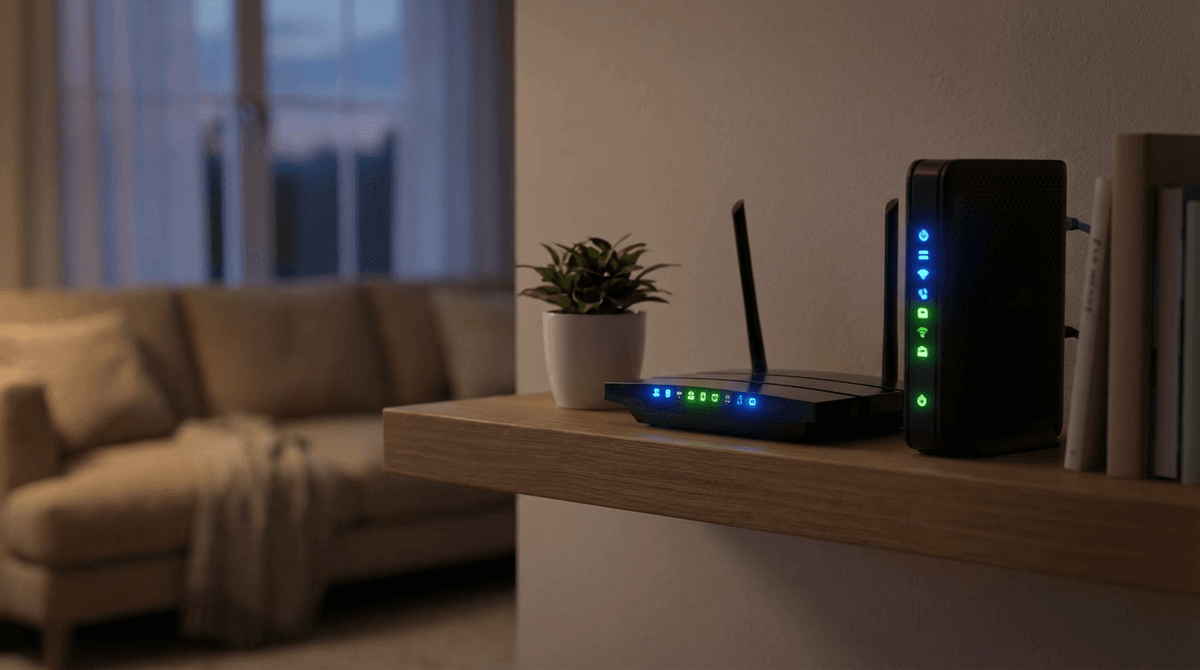
When a storm knocks out the grid, keeping internet running often matters as much as lights. On cable or fiber, the neighborhood may lose power while the outside plant still works—so if you keep your modem / ONT and router powered, service can stay up.
Home network gear is built to run 24/7, so average power consumption in watts is the number that matters for UPS runtime, portable power stations, and off-grid budgets. This guide gives realistic typical ranges, explains router + modem totals (what most people actually back up), and shows how to measure your own equipment at the wall—the most reliable “source” for your exact hardware.
Use the WattSizing Off-Grid & Backup Calculator when you are stacking the internet load with laptops, monitors, or a Starlink terminal (satellite gear is a completely different power class).
Quick answer: how many watts is a router?
- Typical Wi‑Fi router alone: about 5 W to 15 W from the wall for many home units, with ~8 W to 12 W common for basic concurrent use (not idle lab claims—real mixed traffic).
- Mesh Wi‑Fi (each node): often ~6 W to 18 W per powered node depending on radio count, fanless vs fan, and traffic.
- Cable/fiber modem or ONT: commonly ~4 W to 12 W (combo gateway units may sit in a similar band but split reporting is messier).
Startup / surge: Router and modem power supplies are mostly electronic loads with no motor. There can be a brief inrush when plugging in, but for sizing generators, inverters, or UPS treat the running wattage as the number that matters—surge is usually small compared with appliances.
Typical home router and modem power consumption (watts)
Use this as a planning table, then confirm with a plug-in meter on your own bricks (see below).
| Equipment | Typical AC power draw (wall plug) | Notes |
|---|---|---|
| Basic Wi‑Fi router | ~5–12 W | Single-band/AX class varies; idle can be lower than busy hours. |
| Performance / gaming router | ~10–25 W | More radios, faster SoCs, and fans can lift averages. |
| Mesh satellite node (each) | ~7–18 W | Multiply by how many nodes stay powered during an outage. |
| Cable / DSL modem | ~5–12 W | Separate from router unless you have a combo gateway. |
| Fiber ONT (when separate) | ~5–15 W | Sometimes integrated with router; sometimes two adapters. |
| Router + modem (two-box home) | ~12–30 W typical | This is the realistic “internet stack” for UPS planning. |
Average power consumption of a Wi‑Fi router in watts is not a single universal figure—firmware updates, traffic, and thermal fans all nudge the average a little day to day. For energy cost and battery runtime, use a measured average or take a conservative value from the upper half of the typical band.
“Typical power consumption”—where the number should come from
Search phrases like router power consumption watts typical source point to the same practical rule:
- Best source: a plug-in electricity meter on the AC side of each adapter (total wattage at the outlet). Log an hour or a day if the meter supports kWh—divide by hours for average watts.
- Second-best: read nameplate output on the DC brick (volts × amps), then divide by typical efficiency (~0.65–0.85 for small wall adapters). Nameplate is maximum capability, not continuous draw—use it as a ceiling, not the “average.”
- Weakest: marketing “idle” figures with no measurement context—fine for comparisons, risky for runtime math.
If you size backup power for Wi‑Fi during blackouts, measure modem + router together (or each adapter separately and add them).
The total internet load (modem + router)
If you want Wi‑Fi through an outage, you usually must power:
- The modem / ONT / gateway uplink, and
- The router, unless you use a single combo device with one plug.
Example (illustrative):
10 W (modem) + 10 W (router) ≈ 20 W continuous load for runtime math.
Combo gateways still behave like one continuous load—measure that plug.
From watts to daily energy (kWh)
Routers run all day. Rough scaling:
kWh per day ≈ (average watts × 24) ÷ 1,000
Example: 12 W average
12 × 24 = 288 Wh/day ≈ 0.29 kWh/day
That is why “only 10 W” still shows up in monthly electric bills—it is never off.
Sizing a UPS battery backup for Wi‑Fi
The simplest blackout strategy is a UPS feeding modem and router (and nothing huge else).
Example runtime sketch:
A small UPS might store on the order of ~80–100 Wh usable (varies widely with age and inverter losses). At 20 W load:
~90 Wh ÷ 20 W ≈ 4.5 h before efficiency losses; real runtime is often ~3–4 hours for many small office UPS units.
Treat published VA ratings as not equal to watts—runtime depends on battery Wh and inverter efficiency, not the VA sticker alone.
Sizing a portable power station
For multi-day events, lithium portable power stations scale better than tiny lead UPS packs—still multiply nameplate Wh by a realistic usable fraction (vendor-dependent), then divide by your measured internet load in watts.
What size generator do I need for a router?
For whole-home backup, a router + modem almost never drives generator sizing—refrigerator surge and kitchen loads do. If you plug modem/router into clean inverter power or a quality UPS, they are a tiny continuous addition.
Sensitive electronics warning: Avoid connecting networking gear directly to rough, non-inverter portable generators. Prefer inverter generators, battery backup, or properly conditioned power—** waveform and regulation** matter more than raw wattage here.
12 V DC conversion (off-grid and RV)
Many routers use 12 V DC at the device end even when the wall brick says 120 V AC input. On a 12 V battery system, running inverter → AC brick → DC router stacks conversion losses.
DC feeding (only when voltage, polarity, and fusing match manufacturer-safe practice) can reduce round-trip losses for always-on networking. If you are unsure, stay with the factory adapter on a quality inverter until an installer confirms safe DC wiring.
Monthly cost snapshot (illustrative)
Formula: (Running watts × 24 h × 30 days) ÷ 1,000 = monthly kWh
Example: 10 W average
10 × 24 × 30 = 7,200 Wh = 7.2 kWh/month
At $0.15/kWh, that is ~$1.08/month—cheap, but non-zero because uptime is continuous.
Frequently asked questions
What is the typical power consumption of a home Wi‑Fi router in watts?
Many home routers fall roughly in the ~5 W to 15 W AC range under normal mixed use, with ~8 W to 12 W common on single-router installs. Mesh nodes and gaming routers can run higher—measure if you need tight UPS runtime.
What about typical power consumption for a home router and modem?
Most two-box setups land around ~12 W to 30 W combined at the plugs, depending on hardware generation and traffic. Gateways with one plug should be measured as one load.
How many watts does a Wi‑Fi router use on average per day?
Convert average watts to kWh/day: average watts × 24 ÷ 1,000. A 12 W average is about 0.29 kWh/day.
Does Ethernet vs Wi‑Fi change power much?
Usually only a small difference compared with picking a different router model or running higher concurrent traffic. For sizing, your wall-plug measurement wins.
Can I run a router on a USB power bank?
Sometimes, with the right voltage/current cable and a pack that can sustain the draw. Treat this as short-runtime emergency use unless you verify stability—brownouts can reboot gear.
Does satellite internet use the same power as a cable router?
No. Cable/fiber modem + Wi‑Fi is typically tens of watts combined; Starlink outdoor equipment is commonly an order of magnitude higher continuous load. See Starlink power draw in watts and kWh per day.
Will turning my router off at night save money?
A little—but many smart devices expect always-on Wi‑Fi. If you need continuous monitoring or updates, the savings may not be worth the reliability trade.
Conclusion
Typical router and modem power consumption in watts is small, but always-on—the right way to plan outages is measure at the wall, add modem + router (or measure the combo), then size UPS/battery/generator headroom for the rest of the house.
Next step: enter your measured or conservative wattage in the Off-Grid & Backup Load Calculator alongside monitors, laptops, and other always-on loads.


