
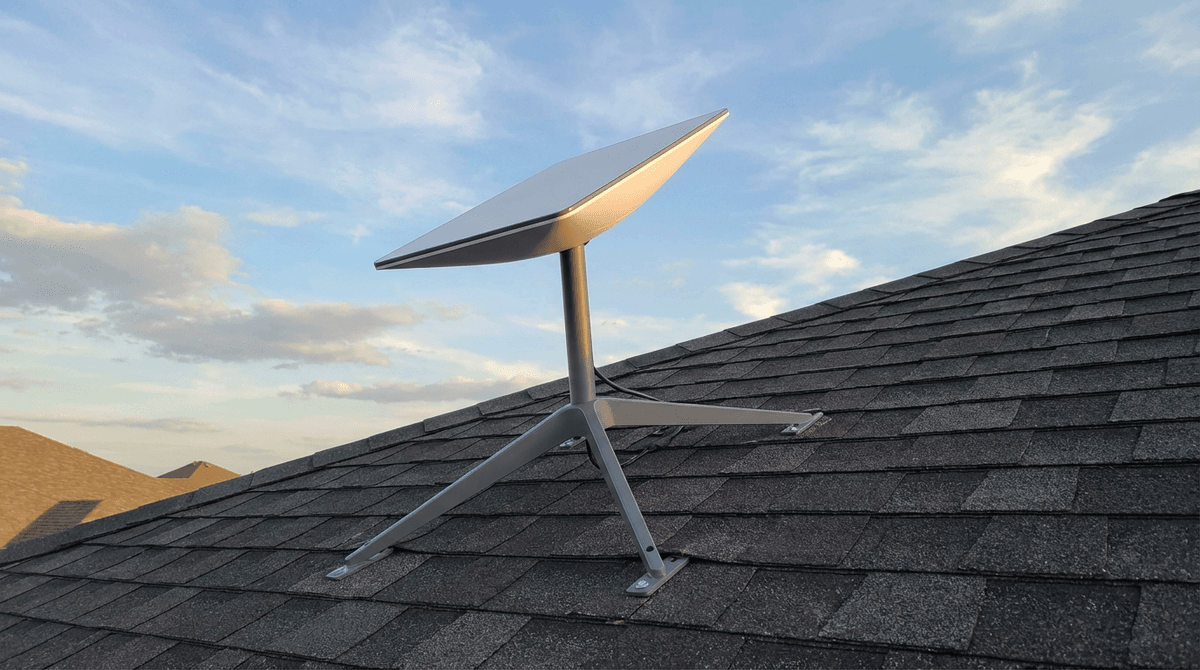
A Starlink setup typically uses around 40 to 100 watts in normal operation, and can reach 100 to 180+ watts in cold conditions when snow-melt heating is active.
For full system planning, use the WattSizing Calculator.
Quick Answer
Most homes see a Starlink dish + router average somewhere in the 50 to 90 W range. During harsh winter weather, temporary spikes above 100 W are normal on some hardware profiles.
Detailed Explanation
Unlike a basic cable modem, Starlink power depends on both internet activity and environmental conditions. The system includes the dish electronics plus indoor networking equipment, so your wall draw is a combined value.
What affects Starlink watts the most:
- Dish model and hardware generation
- Ambient temperature and snow-melt activity
- Traffic load (video streaming, uploads, downloads)
- Router and accessory setup (mesh nodes or extra gear)
This is why measured watts can vary throughout the day. If you are budgeting total home connectivity loads, pair this with How Many Watts Does a Router Use and How Many Watts Does a Desktop Computer Use.
Watt Table
| Starlink Scenario | Typical Running Watts | Typical Starting Watts |
|---|---|---|
| Light traffic, mild weather | 40 - 65 W | 50 - 80 W |
| Typical daily use (mixed traffic) | 50 - 90 W | 60 - 110 W |
| Heavy traffic / active streaming hours | 70 - 110 W | 80 - 130 W |
| Cold weather with higher heating demand | 100 - 180 W | 120 - 220 W |
| Starlink + additional mesh node | 60 - 120 W | 75 - 145 W |
Calculation Example
Example: Your Starlink setup averages 75 W over a day.
- Daily energy is (75 x 24) / 1000 = 1.8 kWh/day
- At $0.16/kWh, that is about $0.29/day
- Monthly cost (30 days) is about $8.64
If your site sees freezing weather, use a higher seasonal average to avoid underestimating power needs.
Tips to Reduce Power Usage
- Keep firmware updated; efficiency and thermal behavior can improve over time.
- Minimize unnecessary always-on add-ons (extra mesh nodes, switches) if not needed.
- If you are off-grid, design for worst-case winter draw rather than mild-weather averages.
- Track real usage with a plug-in energy meter for at least 7 full days.
FAQs
Does Starlink always use the same watts?
No. Power changes with weather, data load, and system behavior throughout the day.
Is Starlink higher wattage than a normal router?
Yes in most cases. A basic router is often 5-20 W, while Starlink systems commonly run much higher.
Should I size backup power for winter or summer usage?
Winter, especially if snow-melt heating can activate. Seasonal peaks are what usually break undersized systems.
CTA
Need to size solar, battery, or UPS power for your Starlink setup? Use the WattSizing Calculator to model realistic averages and seasonal peaks.


