
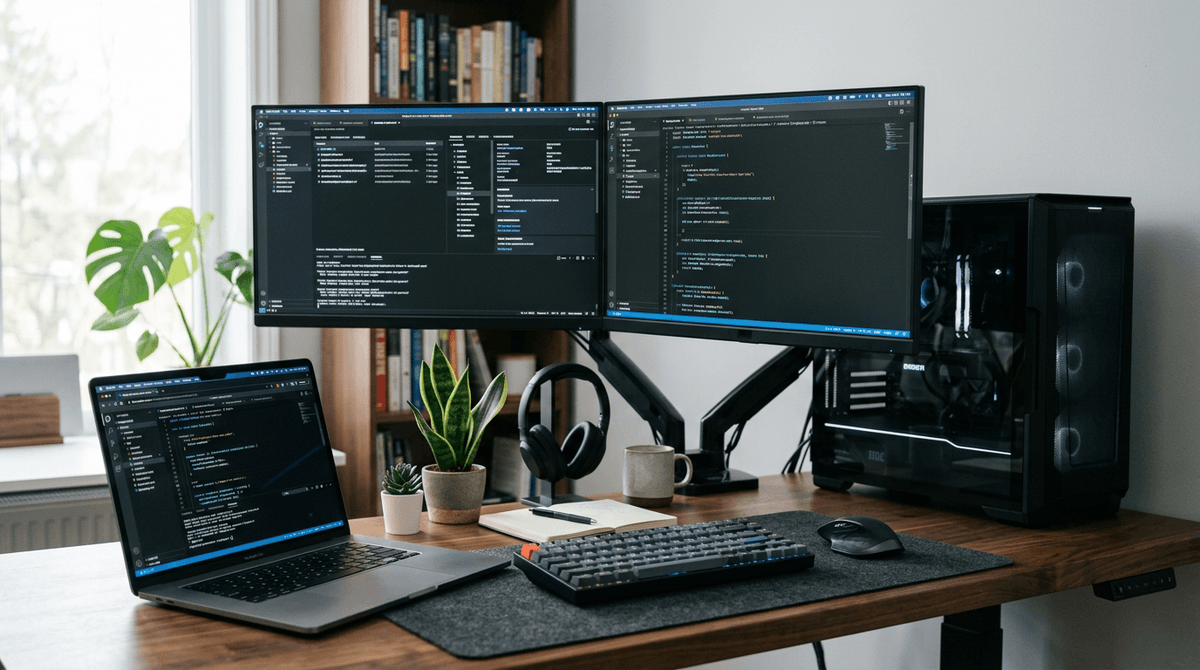
Laptops are usually far more energy efficient than desktops for everyday computing, while high-performance desktops trade efficiency for speed and upgradeability.
For device-by-device estimates, use the WattSizing Calculator.
Quick Answer
A typical laptop runs around 30 to 90 watts under active use, while a typical desktop setup often runs 120 to 400+ watts depending on CPU, GPU, and monitor count.
Laptop vs Desktop: Typical Power Draw
| Setup | Typical Running Watts | Daily Use (8 hours) | Monthly Use (30 days) |
|---|---|---|---|
| Ultrabook laptop + built-in screen | 20 - 45 W | 0.16 - 0.36 kWh | 4.8 - 10.8 kWh |
| Mainstream laptop + external monitor | 45 - 90 W | 0.36 - 0.72 kWh | 10.8 - 21.6 kWh |
| Office desktop + 24-inch monitor | 120 - 220 W | 0.96 - 1.76 kWh | 28.8 - 52.8 kWh |
| Creator/gaming desktop + monitor | 250 - 500 W | 2.0 - 4.0 kWh | 60 - 120 kWh |
Electricity Cost Example
Assume electricity at $0.15/kWh and 8 hours/day use.
| Device Profile | Monthly kWh | Estimated Monthly Cost | Estimated Yearly Cost |
|---|---|---|---|
| 50W laptop workflow | 12.0 | $1.80 | $21.60 |
| 170W office desktop workflow | 40.8 | $6.12 | $73.44 |
| 320W desktop mixed productivity/gaming | 76.8 | $11.52 | $138.24 |
Even for similar daily tasks, desktop setups can cost several times more to run.
Realistic Usage Scenarios
Scenario 1: Remote Work
- Laptop average: 55 W
- Desktop average: 160 W
- Runtime: 9 h/day
Daily energy:
- Laptop:
0.055 x 9 = 0.495 kWh - Desktop:
0.16 x 9 = 1.44 kWh
Desktop uses about 2.9x more in this case.
Scenario 2: Evening Gaming
- Gaming laptop: 140 W during gameplay
- Gaming desktop + monitor: 360 W during gameplay
- Runtime: 3 h/day
Daily energy:
- Laptop:
0.14 x 3 = 0.42 kWh - Desktop:
0.36 x 3 = 1.08 kWh
Desktop remains higher draw but may provide higher sustained performance.
Scenario 3: Idle and Standby
If left on outside active hours, idle draw matters:
- Laptop idle: roughly 8 to 20 W
- Desktop idle: roughly 40 to 100 W
Over long periods, idle losses can rival active-use consumption.
What Drives the Difference?
- Desktop CPUs/GPUs usually have higher power limits.
- Desktop power supplies and multiple peripherals add overhead.
- Laptops are tuned for battery life and thermal efficiency.
- Higher refresh monitors and RGB-heavy accessories increase draw.
Related reading:
- How Many Watts Does a Laptop Use
- How Many Watts Does a Desktop Computer Use
- How Many Watts Does a Gaming PC Use
FAQs
Is a desktop always less efficient than a laptop?
For equal tasks, usually yes. But very light desktop use with power-saving settings can narrow the gap.
Do monitors make a big difference?
Yes. A large bright monitor can add 20 to 60 watts, and multiple monitors add even more.
Should I shut down instead of sleep?
If you leave devices unused for many hours, shutdown or hibernate can reduce standby losses.
Is a mini PC a good middle ground?
Often yes. Mini PCs can offer desktop flexibility with much lower power draw than tower systems.
Sources
- U.S. Energy Information Administration (EIA) - Electricity explained
- U.S. Department of Energy - Energy Saver
- ENERGY STAR - Save Energy at Home
CTA
Want to compare your exact laptop, desktop, and monitor setup? Use the WattSizing Calculator to estimate daily and annual power cost from your real usage.


