
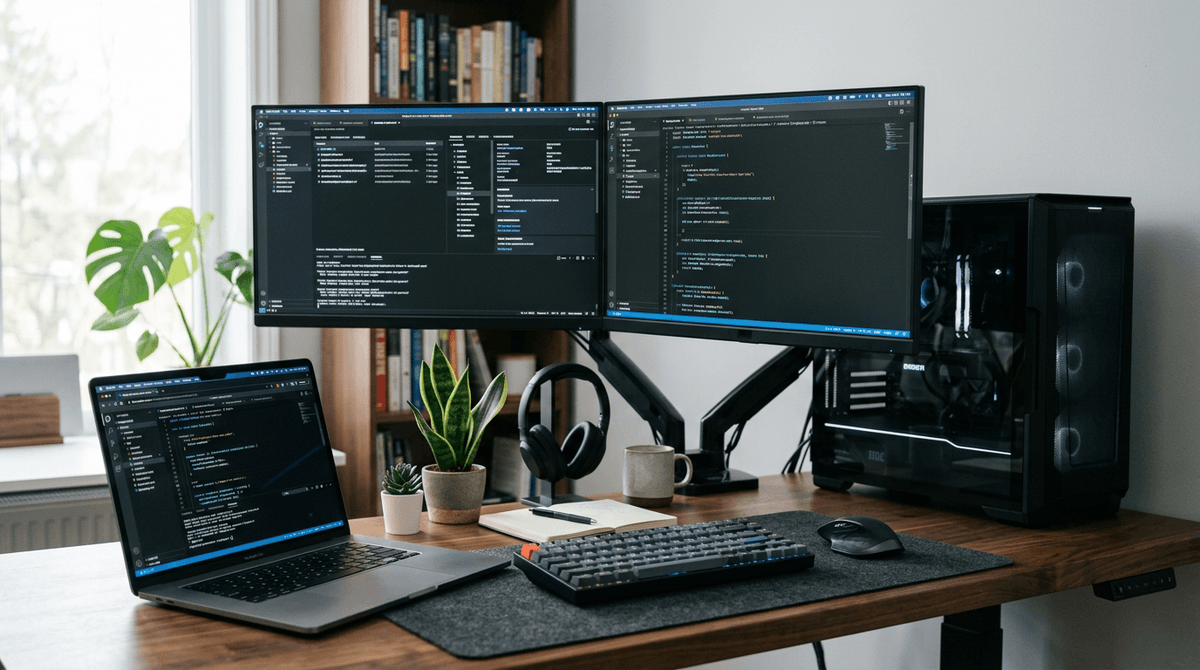
Laptops are usually far more energy efficient than desktops for everyday computing, while high-performance desktops trade efficiency for speed and upgradeability.
For device-by-device estimates, use the WattSizing Calculator.
Quick Answer
A typical laptop runs around 30 to 90 watts under active use, while a typical desktop setup often runs 120 to 400+ watts depending on CPU, GPU, and monitor count.
Laptop vs Desktop: Typical Power Draw
| Setup | Typical Running Watts | Daily Use (8 hours) | Monthly Use (30 days) |
|---|---|---|---|
| Ultrabook laptop + built-in screen | 20 - 45 W | 0.16 - 0.36 kWh | 4.8 - 10.8 kWh |
| Mainstream laptop + external monitor | 45 - 90 W | 0.36 - 0.72 kWh | 10.8 - 21.6 kWh |
| Office desktop + 24-inch monitor | 120 - 220 W | 0.96 - 1.76 kWh | 28.8 - 52.8 kWh |
| Creator/gaming desktop + monitor | 250 - 500 W | 2.0 - 4.0 kWh | 60 - 120 kWh |
Electricity Cost Example
Assume electricity at $0.15/kWh and 8 hours/day use.
| Device Profile | Monthly kWh | Estimated Monthly Cost | Estimated Yearly Cost |
|---|---|---|---|
| 50W laptop workflow | 12.0 | $1.80 | $21.60 |
| 170W office desktop workflow | 40.8 | $6.12 | $73.44 |
| 320W desktop mixed productivity/gaming | 76.8 | $11.52 | $138.24 |
Even for similar daily tasks, desktop setups can cost several times more to run.
Realistic Usage Scenarios
Scenario 1: Remote Work
- Laptop average: 55 W
- Desktop average: 160 W
- Runtime: 9 h/day
Daily energy:
- Laptop:
0.055 x 9 = 0.495 kWh - Desktop:
0.16 x 9 = 1.44 kWh
Desktop uses about 2.9x more in this case.
Scenario 2: Evening Gaming
- Gaming laptop: 140 W during gameplay
- Gaming desktop + monitor: 360 W during gameplay
- Runtime: 3 h/day
Daily energy:
- Laptop:
0.14 x 3 = 0.42 kWh - Desktop:
0.36 x 3 = 1.08 kWh
Desktop remains higher draw but may provide higher sustained performance.
Scenario 3: Idle and Standby
If left on outside active hours, idle draw matters:
- Laptop idle: roughly 8 to 20 W
- Desktop idle: roughly 40 to 100 W
Over long periods, idle losses can rival active-use consumption.
What Drives the Difference?
- Desktop CPUs/GPUs usually have higher power limits.
- Desktop power supplies and multiple peripherals add overhead.
- Laptops are tuned for battery life and thermal efficiency.
- Higher refresh monitors and RGB-heavy accessories increase draw.
Related reading:
- How Many Watts Does a Laptop Use
- How Many Watts Does a Desktop Computer Use
- How Many Watts Does a Gaming PC Use
FAQs
Is a desktop always less efficient than a laptop?
For equal tasks, usually yes. But very light desktop use with power-saving settings can narrow the gap.
Do monitors make a big difference?
Yes. A large bright monitor can add 20 to 60 watts, and multiple monitors add even more.
Should I shut down instead of sleep?
If you leave devices unused for many hours, shutdown or hibernate can reduce standby losses.
Is a mini PC a good middle ground?
Often yes. Mini PCs can offer desktop flexibility with much lower power draw than tower systems.
CTA
Want to compare your exact laptop, desktop, and monitor setup? Use the WattSizing Calculator to estimate daily and annual power cost from your real usage.


