
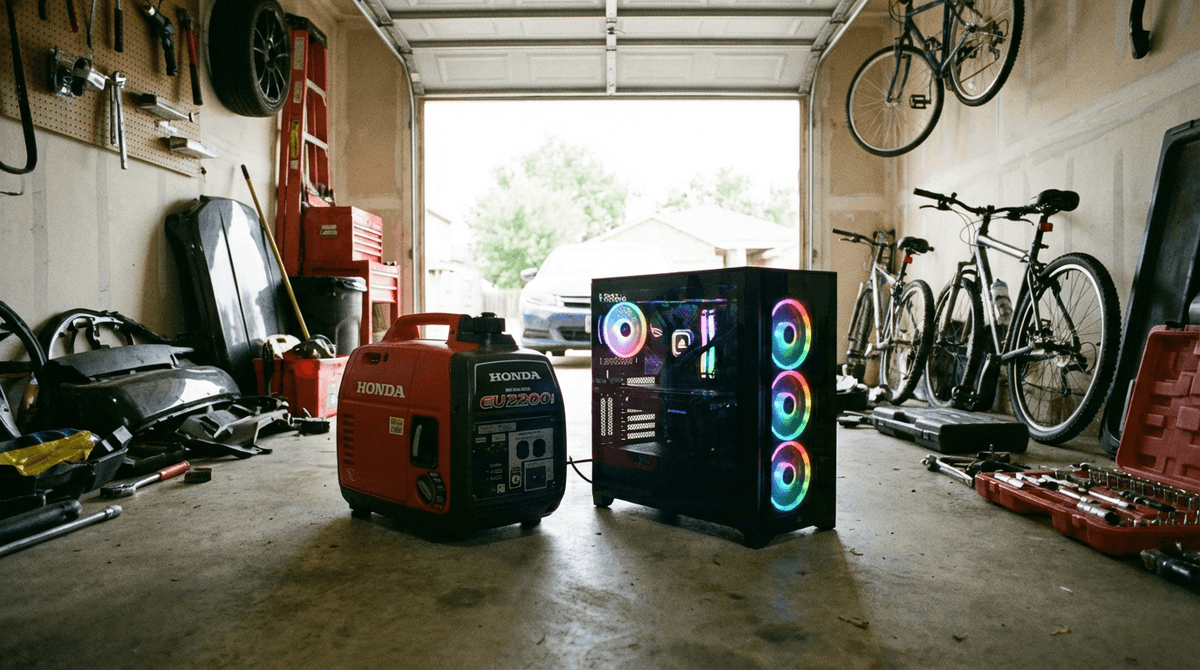
Desktop systems need more planning than laptops because total load can vary widely by CPU/GPU usage. A right-sized generator should handle both steady demand and short power spikes from peripherals and cooling equipment.
Plan your full backup load profile with the WattSizing Calculator.
Quick Answer
Most desktop computer setups need a 1,500 to 3,000 watt generator. Light office desktops may sit near the low end, while gaming or workstation rigs with larger displays typically need more headroom.
Desktop Backup Loads to Include
Count all simultaneous loads:
- Desktop tower power draw under realistic use
- Monitor(s)
- Modem/router/network devices
- Lighting, speakers, and small accessories
- Optional cooling (fan or portable AC)
Related reads:
Desktop Computer Generator Sizing Table
| Desktop Setup | Typical Running Watts | Typical Peak/Starting Watts | Recommended Generator Size |
|---|---|---|---|
| Office desktop + single monitor | 200 - 450 W | 450 - 800 W | 1,000 - 1,800 W |
| Desktop + dual monitors + network | 350 - 700 W | 700 - 1,300 W | 1,800 - 2,500 W |
| Performance desktop + peripherals | 500 - 1,000 W | 1,000 - 1,800 W | 2,200 - 3,500 W |
| Desktop setup + room cooling | 900 - 1,800 W | 1,800 - 3,200 W | 2,800 - 4,500 W |
Worked Sizing Example
Your setup:
- Desktop tower (mixed workload): 420 W
- Two monitors: 90 W
- Router + modem: 30 W
- Desk lighting/accessories: 40 W
- Pedestal fan: 60 W
Calculation:
- Running load:
420 + 90 + 30 + 40 + 60 = 640 W - Peak allowance with 20% margin:
1,200 x 1.2 = 1,440 W
Practical pick: 2,000 W inverter generator.
This gives margin for transient spikes and keeps electronics on stable power.
Practical Reliability Tips
- Prefer inverter generators for cleaner voltage and frequency.
- Keep utilization below roughly 80% for better stability and fuel efficiency.
- Use a UPS to prevent interruptions during generator startup or refuel windows.
- Run periodic load tests so outage performance matches expectations.
FAQs
Can a 1,000W generator run a desktop computer?
Sometimes for very light systems, but many desktops plus monitors and networking exceed that comfortably.
Do gaming desktops need larger generators?
Yes. High-performance GPUs and CPUs increase both average and peak draw, so they usually require extra headroom.
Is a transfer switch required for a computer setup?
Not always, but it improves safety and convenience for regular outage operation.
Should I include monitor and router loads?
Absolutely. Those are essential to real productivity and should be part of your sizing total.
CTA
Need dependable backup for your workstation? Use the WattSizing Calculator to size a generator around your true desktop load, peak events, and runtime needs.


