
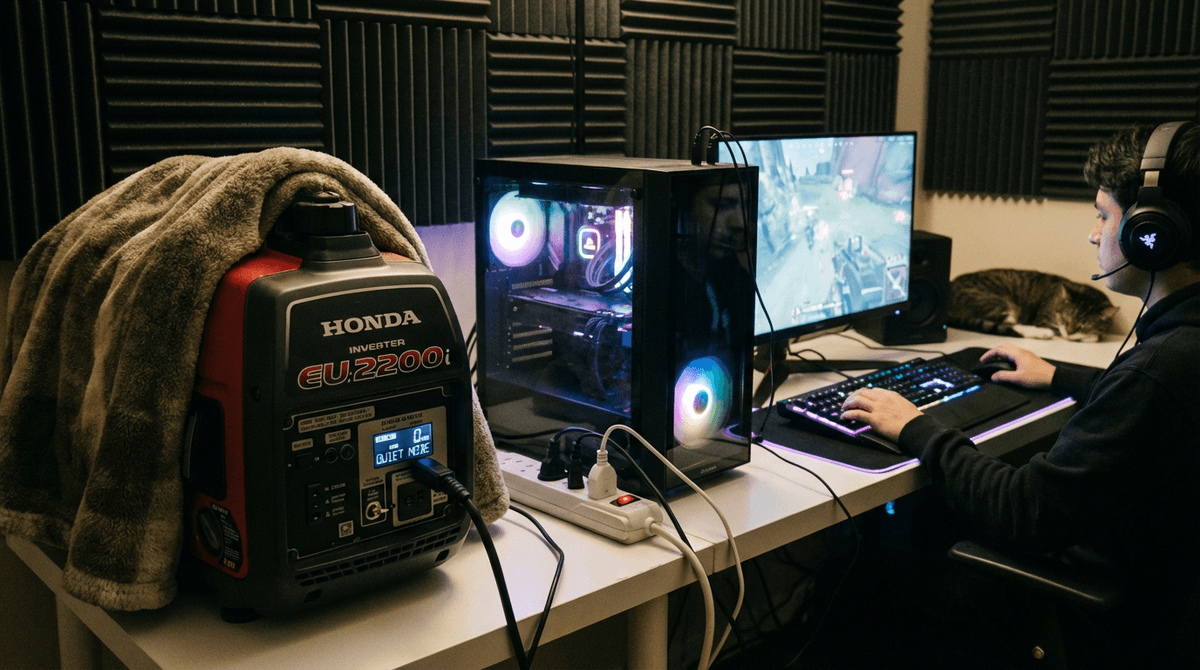
Gaming desktops can swing from low idle draw to high load quickly, especially with power-hungry GPUs. Generator sizing is less about one fixed number and more about your actual play-session load plus margin.
For appliance-by-appliance planning, use the WattSizing Calculator.
Quick Answer
Most single-system gaming setups are comfortable on a 2,000 to 3,500 watt inverter generator. High-end rigs with multiple monitors and extra peripherals are safer around 3,000 to 4,500 watts.
Gaming PC Sizing Method
- Estimate PC power under real gaming load (not just PSU label).
- Add monitor(s), router/modem, speakers, and accessories.
- Include startup/peak allowance and keep 20% headroom.
- Prefer inverter output for cleaner power quality.
A 1,000W PSU does not mean the PC constantly draws 1,000W. Real gaming usage is often much lower, but sizing should still account for spikes and future upgrades.
Related reads:
Gaming PC Generator Sizing Table
| Gaming Setup | Typical Running Watts | Typical Peak Watts | Recommended Generator Size |
|---|---|---|---|
| Mid-range PC + 1 monitor | 300 - 600 W | 500 - 900 W | 1,500 - 2,200 W |
| High-end PC + 1 to 2 monitors | 500 - 950 W | 900 - 1,500 W | 2,200 - 3,200 W |
| Streaming setup + lighting + network | 800 - 1,400 W | 1,300 - 2,200 W | 3,000 - 4,000 W |
| Dual-PC or heavy creator/gaming station | 1,200 - 2,200 W | 2,000 - 3,400 W | 4,000 - 5,500 W |
Worked Sizing Example
Your backup gaming setup:
- Gaming desktop under load: 720 W
- Two monitors: 95 W
- Router + modem: 35 W
- Audio interface + speakers + small lighting: 150 W
Calculation:
- Running total:
720 + 95 + 35 + 150 = 1,000 W - Add 20% margin:
1,000 x 1.2 = 1,200 W - Include additional spike allowance: target at least 2,000 W class
Practical pick: a 2,000 to 2,500 W inverter generator.
This avoids running near max output and helps maintain stable power during transient spikes.
Practical Reliability Tips
- Use a UPS to bridge generator startup and short fuel interruptions.
- Enable FPS/power caps if you need to reduce draw during outages.
- Keep generator load under about 70% to 80% for long sessions.
- Run monthly test sessions with your real setup.
FAQs
Can a 2,000W generator run a gaming PC?
Yes for many single-PC setups, especially mid-range builds with one or two monitors.
Should I size using PSU wattage?
No. Use measured or estimated real gaming load, then add headroom for spikes and upgrades.
Is inverter output important for gaming electronics?
Yes. Inverter generators generally provide cleaner, steadier power for sensitive PC hardware.
Can I run a gaming PC and portable AC together?
Sometimes, but it quickly increases required capacity. Include AC startup surge in your calculations.
CTA
Want a no-guesswork backup setup for gaming and internet uptime? Use the WattSizing Calculator to size your generator around real workloads and margin.


