
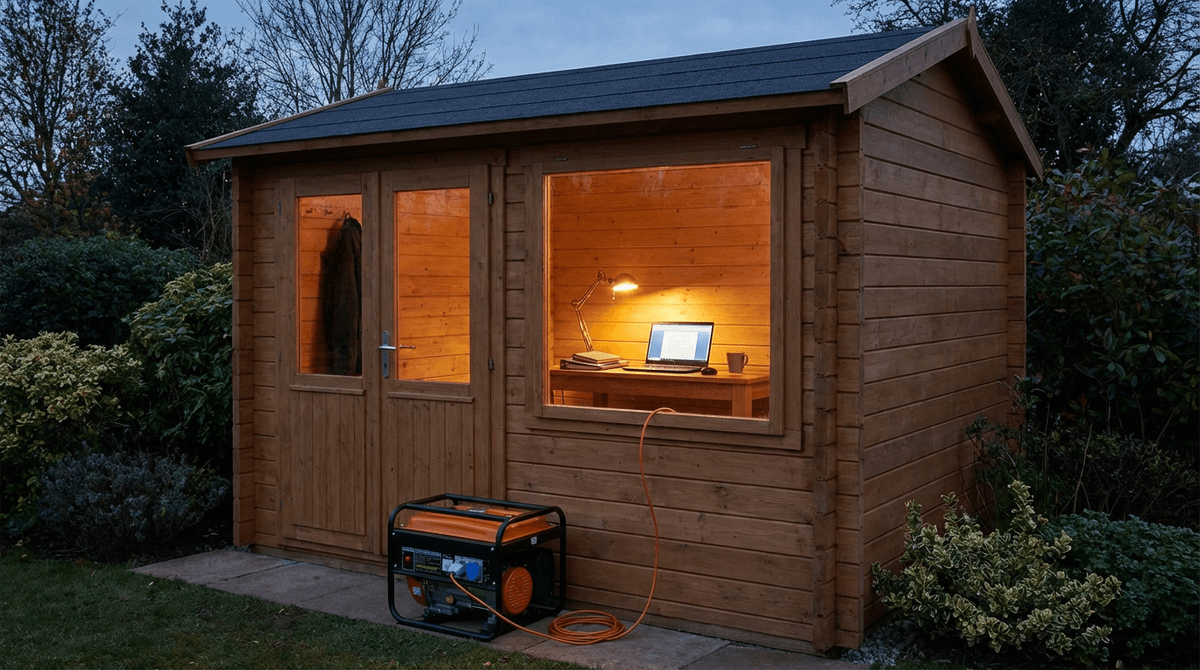
For remote work, generator sizing is about uptime and stability, not just raw watts. You need enough capacity to handle startup events while keeping clean, consistent power for electronics.
Build a complete backup plan with the WattSizing Calculator.
Quick Answer
Most single-room home offices are well served by a 2,000 to 3,500 watt inverter generator, depending on whether you run a desktop setup, laser printer, and room cooling at the same time.
What to Count in a Home Office Load
Prioritize loads in this order:
- Internet stack (modem + router + ONT)
- Computer and displays
- Lighting and charging
- Comfort/cooling (fan or mini-split)
- Nonessential spikes (printer, coffee maker, etc.)
For granular appliance estimates, see How Many Watts Does a Desktop Computer Use and How Many Watts Does a Router Use.
Home Office Generator Sizing Table
| Home Office Setup | Typical Running Watts | Typical Peak/Starting Watts | Recommended Generator Size |
|---|---|---|---|
| Laptop + 1 monitor + network | 120 - 250 W | 250 - 500 W | 1,000 - 1,800 W |
| Desktop + 2 monitors + network | 350 - 700 W | 700 - 1,400 W | 1,800 - 2,500 W |
| Office + mini-split or portable AC | 900 - 1,800 W | 1,800 - 3,200 W | 2,500 - 4,000 W |
| Office with occasional laser printer | 700 - 1,500 W | 1,500 - 3,000 W | 2,200 - 3,800 W |
Worked Sizing Example
Your office setup:
- Desktop + 2 monitors: 520 W
- Modem/router/ONT: 40 W
- LED light + chargers: 70 W
- Portable AC: 1,100 W run / 2,200 W start
Calculation:
- Continuous running load:
520 + 40 + 70 + 1,100 = 1,730 W - Startup event with 20% margin:
2,200 x 1.2 = 2,640 W
Practical pick: 3,000 W inverter generator.
This gives enough room to avoid voltage dips when the AC compressor starts.
Practical Uptime Tips
- Put modem/router and computer on a small UPS to bridge generator startup.
- Use an inverter generator for cleaner sine wave output.
- Keep fuel stabilized and rotate stock every few months.
- Run a monthly 10 to 15 minute test under real office load.
FAQs
Can I run a home office on a 1,000W generator?
Yes for a laptop-based setup, but desktops plus cooling usually need more headroom.
Do I need a transfer switch for a home office?
Not always. Many users run extension circuits directly, but a transfer switch improves safety and convenience.
Will a generator damage office electronics?
A quality inverter generator is generally safe for office electronics when properly grounded and loaded within limits.
Should I include internet equipment in calculations?
Definitely. Connectivity is often the most critical workload during outages, so treat it as must-run power.
CTA
Need dependable backup for remote work? Use the WattSizing Calculator to size generator capacity around your exact office loads and runtime goals.


